
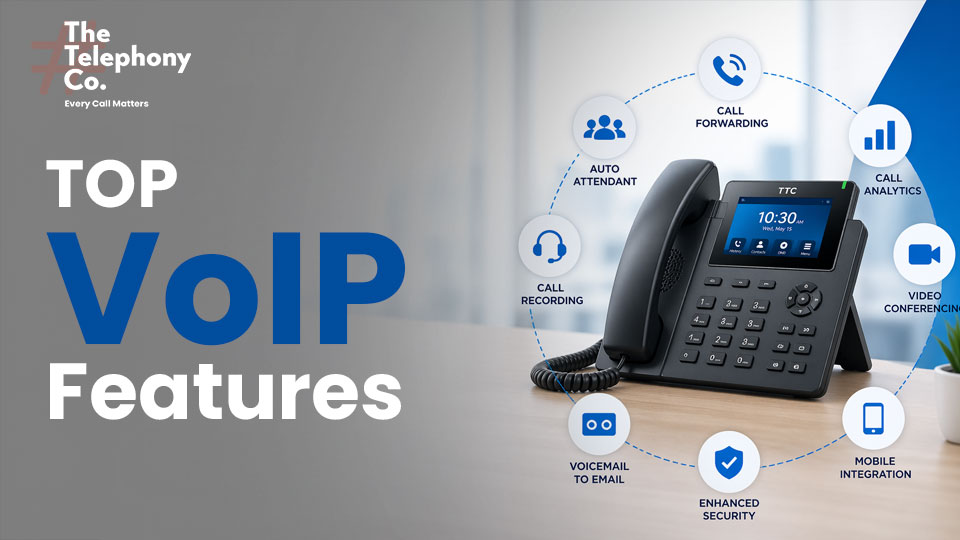
When your business phone system is outdated and you’re paying a high monthly bill, it can eat into your company’s savings. Instead of continuing with an expensive, old setup, it’s time to switch to a more cost-effective solution—VoIP.
With a VoIP solution, you get exactly what your business actually needs—something traditional phone systems often fail to provide. VoIP (Voice over Internet Protocol) is an internet-based calling service that replaces traditional wired phones and offers a smarter way to communicate.
But VoIP isn’t just about making calls. It’s a complete communication solution that can transform how your business connects with customers and teams. It comes with a wide range of advanced features that traditional systems simply can’t match.
Today, there are many VoIP service providers available in India and globally. However, not all of them offer the full set of features your business may need. That’s why it’s important to choose virtual phone service that can support both your current requirements and your future growth.
In this article, we’ll walk you through the key VoIP features your business phone system should have.
What is VoIP?
VoIP, which stands for Voice over Internet Protocol (or Voice over IP), is an internet-based calling solution that allows businesses to make and receive phone calls without relying on traditional wired phone lines.
Transform the Way your Business Communicates—
Switch to VoIP now
List of Top VoIP Features
1. Auto Attendant (Virtual Receptionist)
Greets callers with a professional recorded message and routes them to the right department or extension without human intervention — available 24/7, reducing staffing costs.
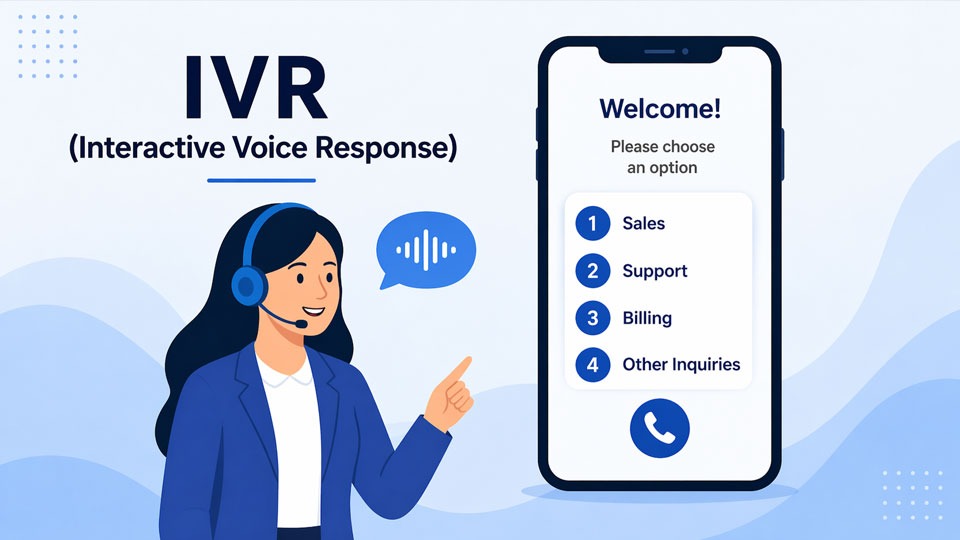
2. Interactive Voice Response (IVR)
Multi-level menu system that lets callers self-select their destination using keypad input or voice commands. Reduces hold times and routes calls with precision.
3. Call Forwarding
Automatically redirects incoming calls to an alternative phone number — mobile, home, or another office — ensuring you never miss a critical business call regardless of location.
4. Call Analytics & Reporting
Real-time and historical dashboards showing call volume, duration, wait times, agent performance, and abandonment rates — giving managers actionable operational insight.
5. Call Recording
Automatically or manually records calls for quality assurance, compliance, training, and dispute resolution. Recordings are stored securely and retrievable on demand.
6. Do Not Disturb (DND)
Silences incoming calls and routes them to voicemail or another extension during focused work, meetings, or off-hours — without disconnecting or disabling the line.
7. Call Transfer
Transfer an ongoing call to another extension or the right person without putting the customer on hold or asking them to call back later. It’s a simple and professional way to handle calls efficiently.
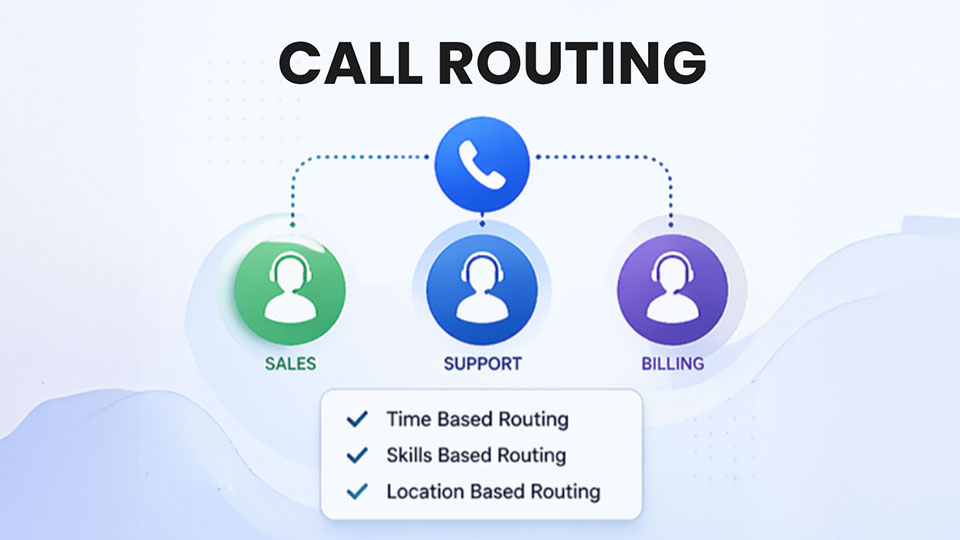
8. Call Routing
Call routing ensures that customer calls are connected to the right agent or department without any delay. Businesses can customize call routing based on their specific needs—such as day and time, agent skills, location (zone), or even language.
9. CRM Integration
Sync your CRM software with your business phone system to automatically log calls, display caller details, trigger workflows, and give agents full context before they even say hello. You can also make outbound calls directly from your CRM with click-to-call.
10. Caller ID Management
Control what number or name appears on outbound calls. Display a central business number regardless of which employee is calling, protecting personal numbers and maintaining brand consistency.
11. Custom Hold Music & Messages
Replace silence or generic beeps with branded music, company news, promotional messages, or helpful information — reducing perceived wait time and reinforcing your brand.
12. Virtual Phone Numbers (DIDs)
Obtain local, toll-free, or international business phone numbers for any location without physical infrastructure. Great for establishing a local presence in new markets affordably.
13. Business SMS & Messaging
Send and receive text messages from your business number. Enables quick, informal customer communication while keeping personal and business messaging separate.
14. Conference Calling
This feature allows you to connect four or more people on a single call at the same time. With conference calling, you can easily hold virtual meetings within your team and communicate with an entire client team in one call.

15. Call Queuing
Places callers in a virtual line with hold music or messages when all agents are busy. Includes estimated wait time announcements and callback options to reduce hang-ups.
16. Video Conferencing Integration
Seamlessly escalate voice calls to video meetings or schedule video conferences directly from the VoIP platform, with screen sharing and recording built in.
17. End-to-End Encryption
Protects voice and messaging data in transit and at rest using TLS/SRTP protocols. Essential for businesses in regulated industries like finance, healthcare, and law.
18. Spam & Robocall Blocking
AI-driven call filtering identifies and blocks known spam numbers, robocalls, and scam calls before they reach your team — reducing distraction and protecting staff.
19. Real-Time Wallboard & Monitoring
Live dashboards display queue depth, agent status, and KPIs on a central screen. Supervisors can barge in, whisper coach, or silently monitor calls in real time.
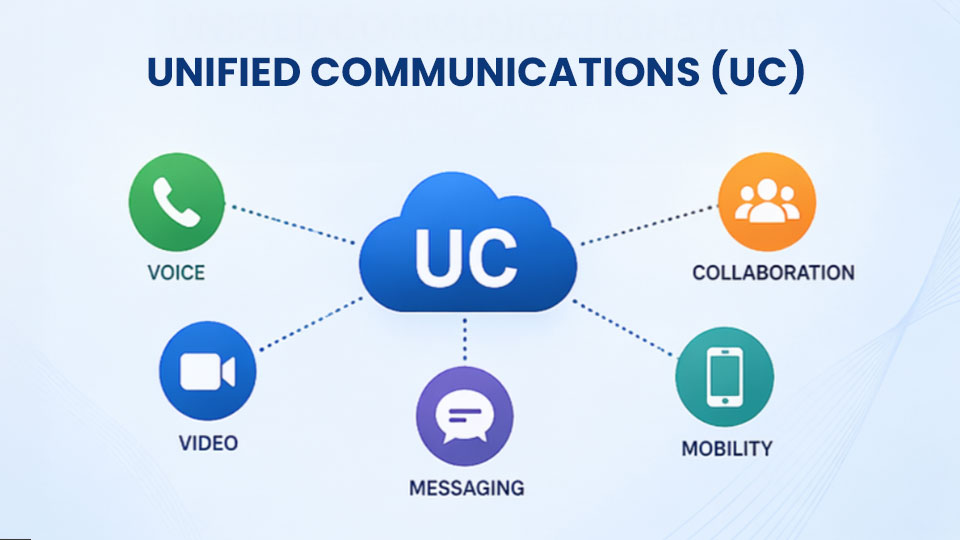
20. Unified Communications (UC)
Combines voice, video, messaging, and file sharing into one platform. Eliminates app-switching, reduces communication silos, and accelerates team collaboration.
21. Click to Call
Dial any phone number displayed in a browser, CRM, or email client with a single click to call button. Removed manual dialing errors and dramatically speeds up outbound call workflows.
22. Call Flip
Move an active call from your desk phone to your mobile or vice versa mid-conversation with a single button press — without the caller noticing any interruption.
23. API & Webhook Integration
Connect the VoIP platform to custom internal tools, ticketing systems, or automation workflows via REST APIs and webhooks for truly tailored business processes.
24. Mobile App (Softphone)
Turn any smartphone into a full business phone system with the same number, features, and call quality as a desk phone — critical for remote and hybrid teams.
25. Automatic Call Distribution (ACD)
Intelligently routes incoming calls to the most qualified available agent based on rules like skill, availability, geography, or previous interaction history.
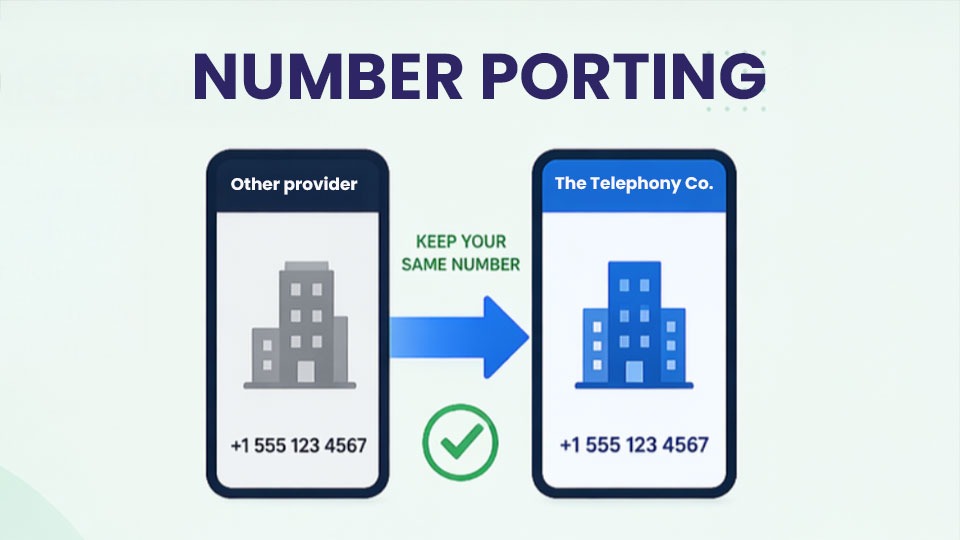
26. Number Porting
Number porting is a feature that allows you to switch to another VoIP service provider while keeping your existing business phone number.
27. Disaster Recovery
Automatic geographic redundancy reroutes calls to backup servers or numbers if the primary system goes down — guaranteeing near-zero downtime for business-critical communications.
28. Hot Desking
Any employee can log into any desk phone on the network and have their personal extension, voicemail, and settings follow them — perfect for open-plan offices and shift-based workforces.
29. WebRTC Browser Calling
Make and receive VoIP calls directly from a web browser with no downloads or plugins required. Reduces onboarding friction and enables lightweight agent setups anywhere with internet.
30. AI-Powered Call Transcription
Converts entire calls to searchable text automatically. Enables post-call analysis, compliance auditing, sentiment scoring, and coaching without manual notetaking.
31. Business Hours Scheduling
Define time-based routing rules so calls during business hours go to agents, after-hours calls route to voicemail or an on-call line, and holidays are handled automatically.
Switch to VoIP and Start Saving on Communication Costs Today
The Telephony Co – Your Best Destination for Global and Advanced VoIP Features
The Telephony Co delivers cutting-edge VoIP solutions built for modern businesses. From crystal-clear international calling to intelligent call management, we empower teams worldwide with reliable, scalable, and feature-rich communication tools that grow alongside your business needs.
Global Reach, Local Presence — Connect with clients worldwide using local virtual numbers in any country or region.
Advanced Call Management — Route, record, and analyze every call with intelligent automation and real-time dashboards.
Seamless Team Collaboration — Unify voice, video, and messaging into one powerful platform for distributed teams.
Enterprise-Grade Security — Protect every conversation with end-to-end encryption, 2FA, and compliance-ready infrastructure.
Scalable & Cost-Effective Plans — Grow from five to five thousand users without overhauling your communication system or budget.